 Screen translator for Android
Translate foreign text on your screen
A floating button that stays on top of any app. Tap it, and games, manga, subtitles and photos are translated right where the text is, in more than 100 languages.
- Free to download
- 100+ languages
- Android 8.0 or later
Translate between more than 100 languages
Made for everything you read
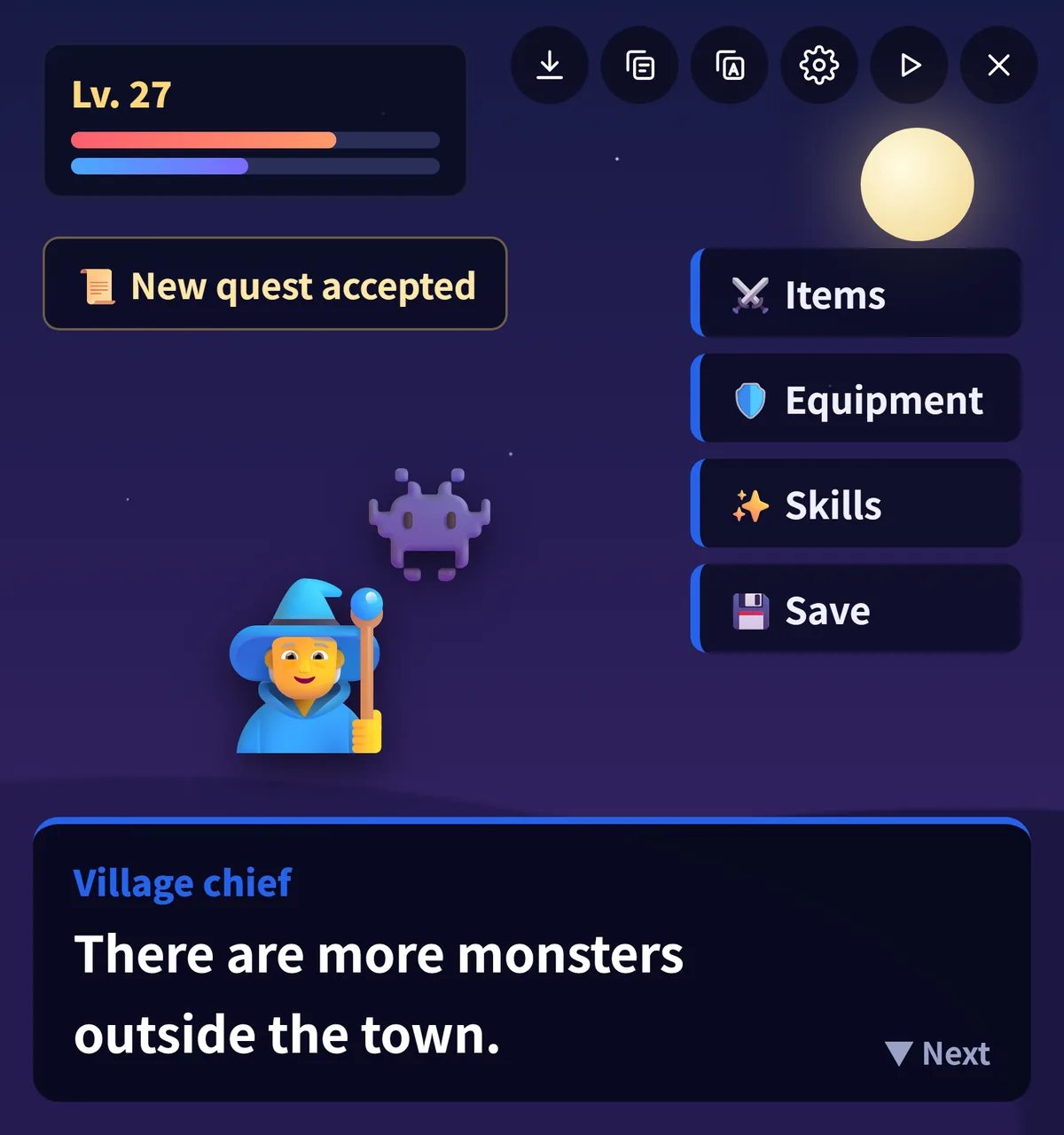
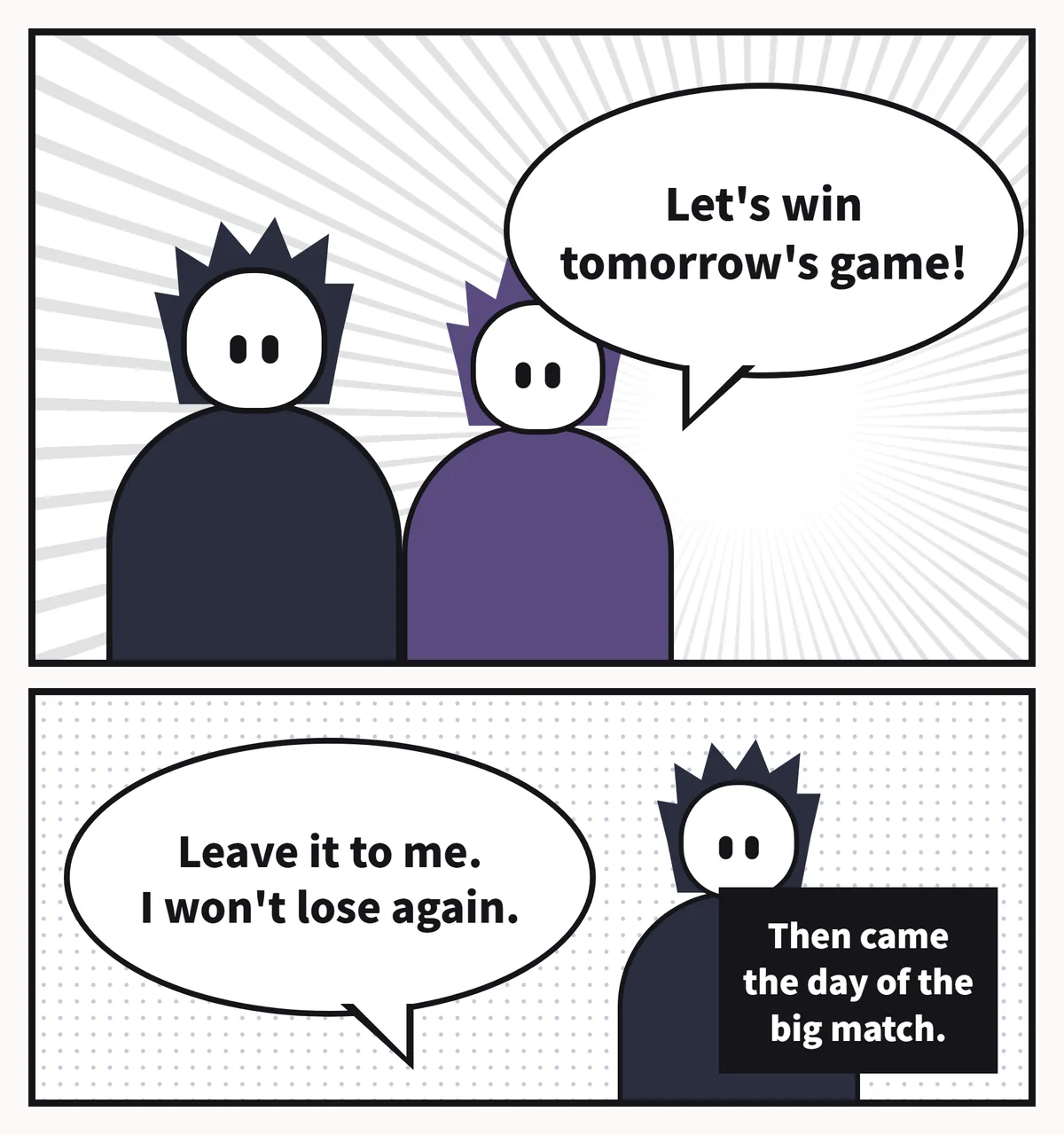
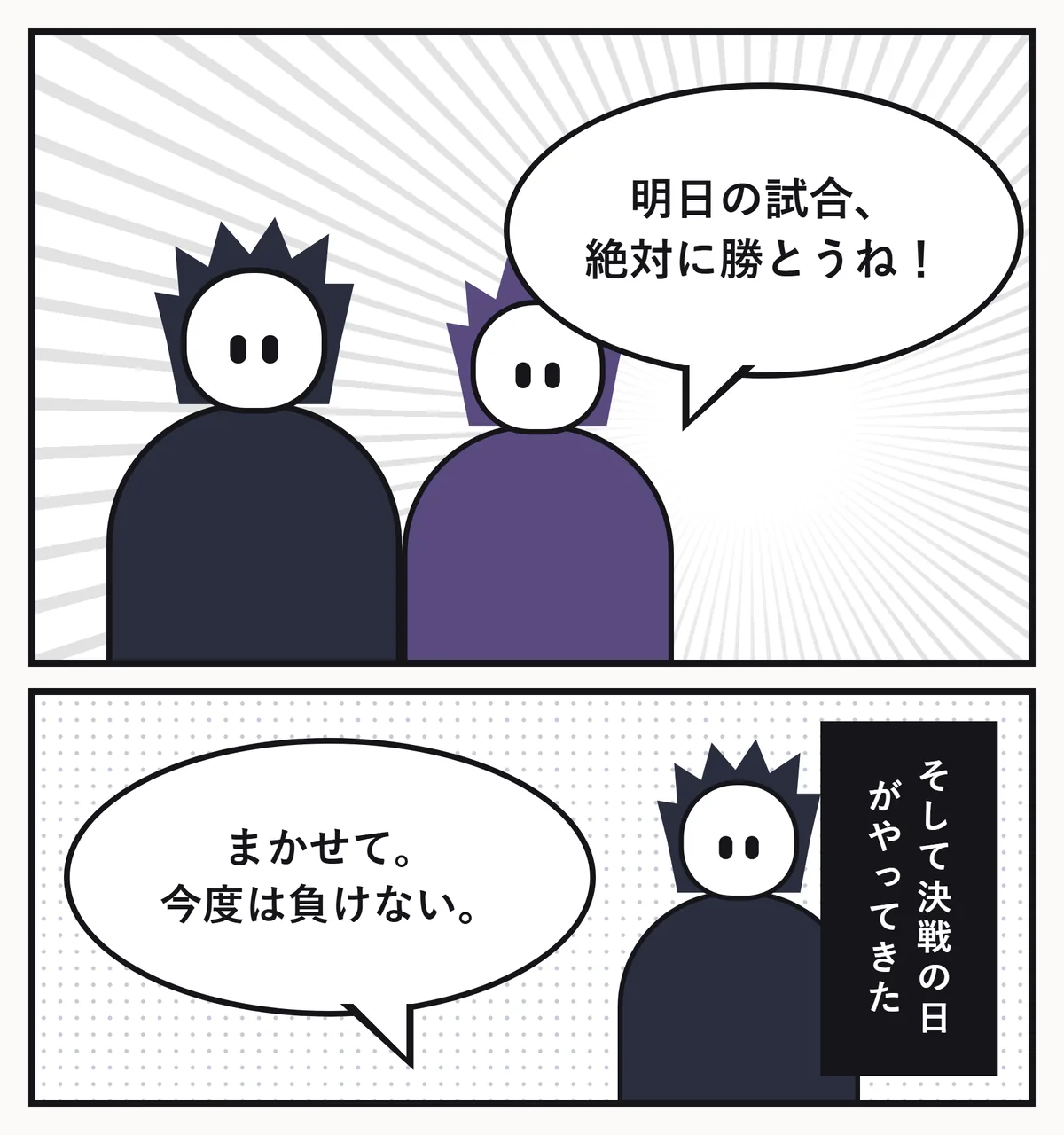
The translation lands exactly where the original text was, so games, comics and menus still read the way they were designed.
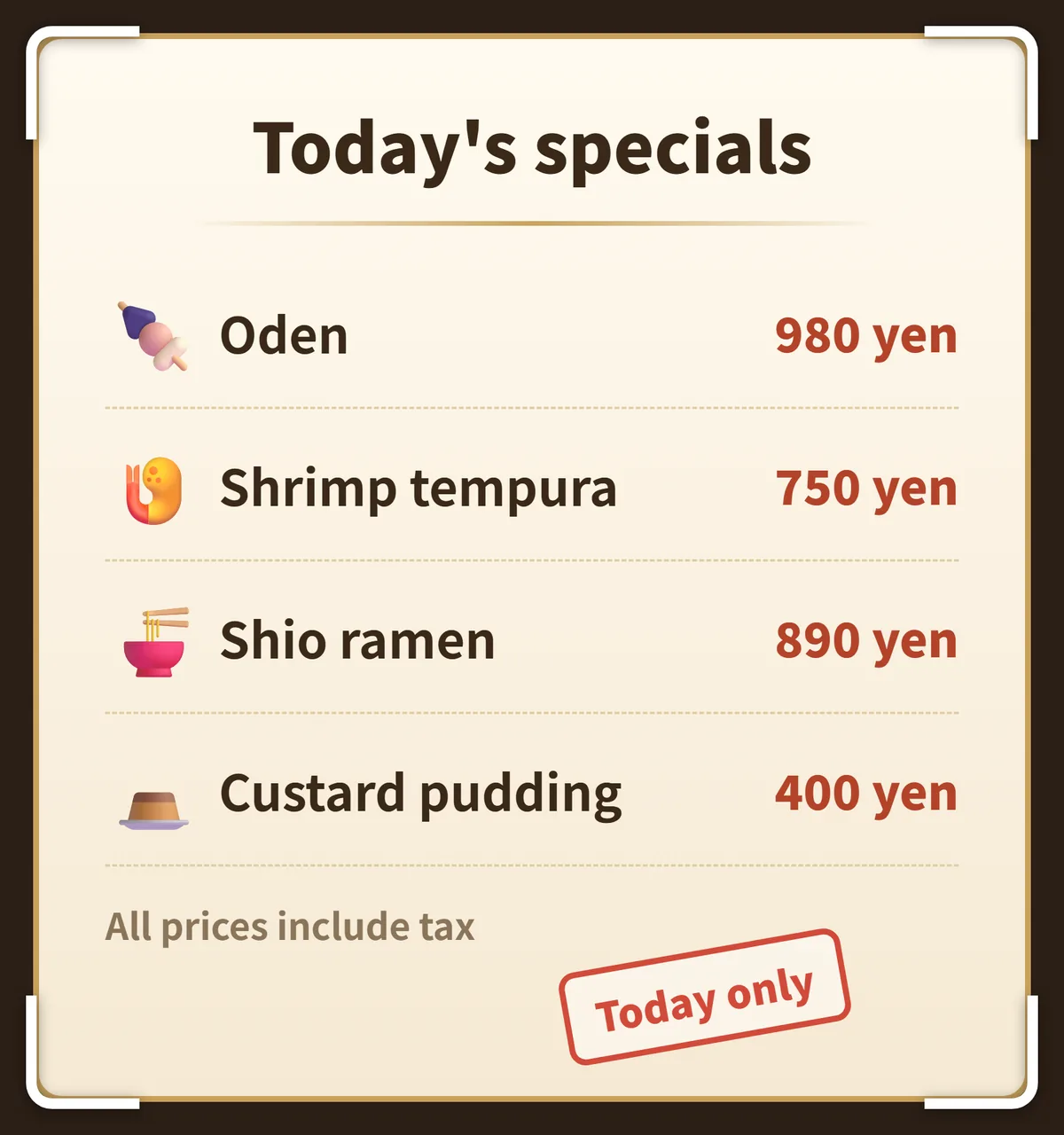
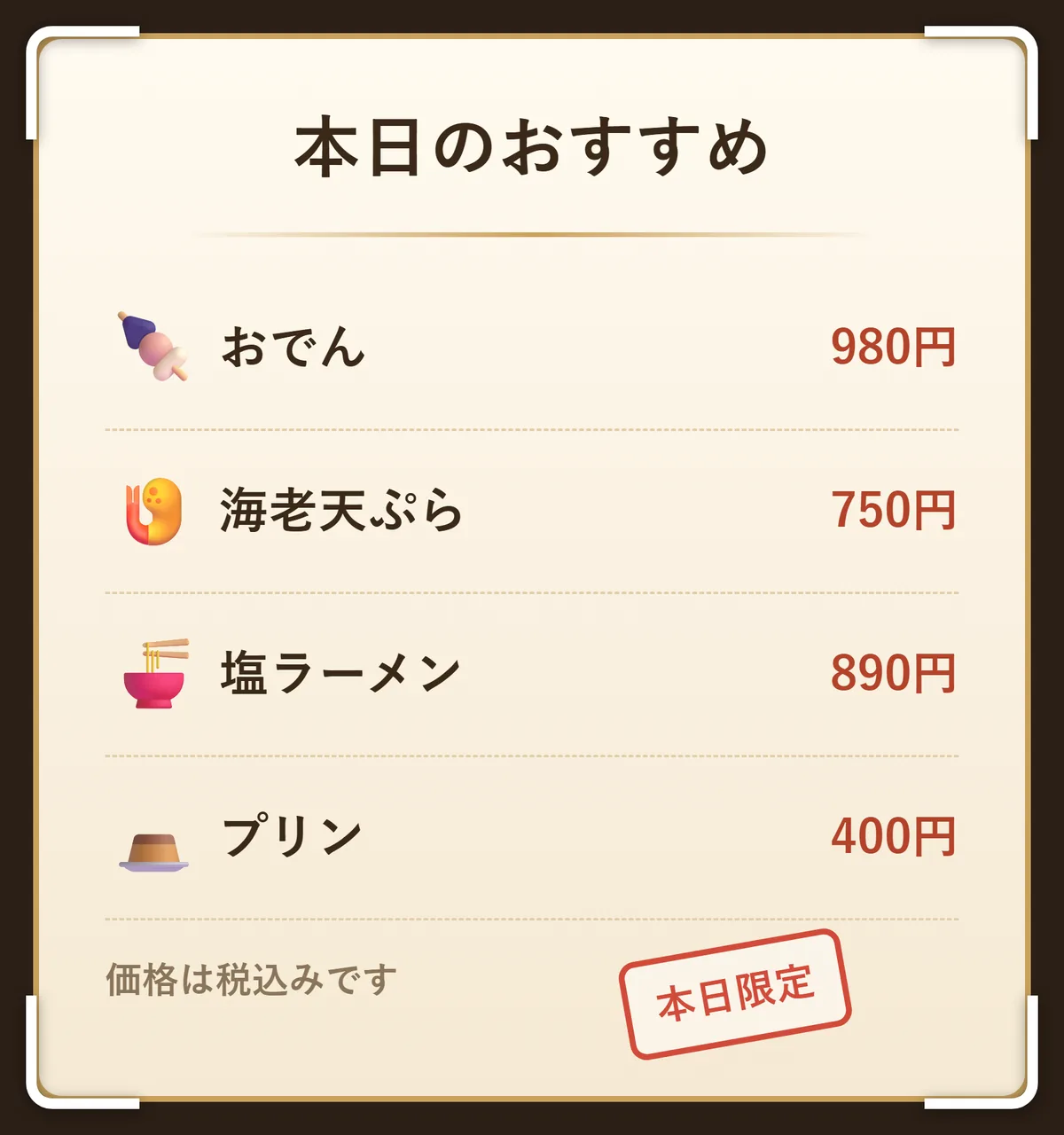
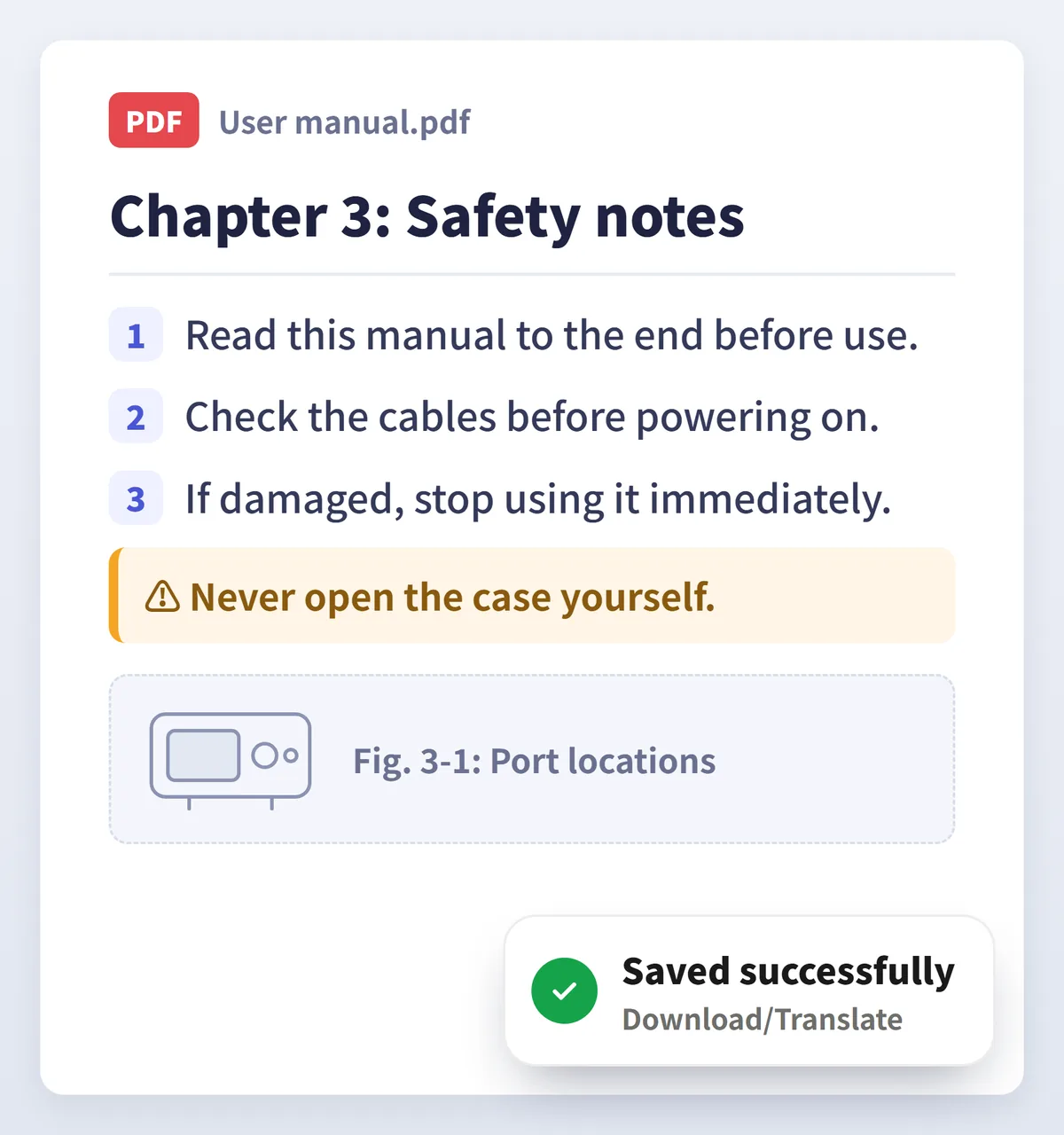
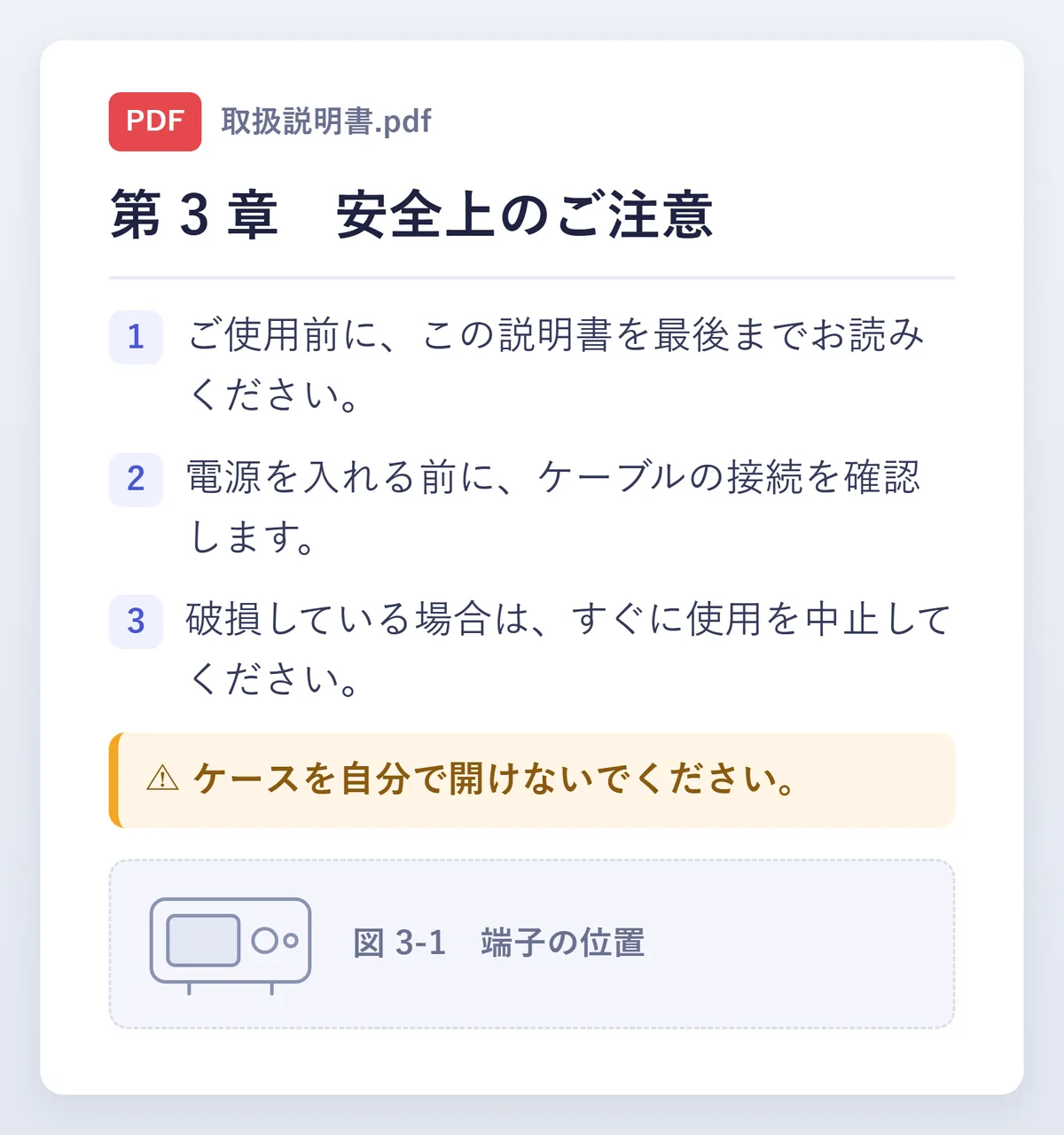
Three steps. No copy and paste.
- Floating ballOn · tap it to translate the screen1
Turn on the floating ball
Choose your languages in Screen Translate and switch on the floating ball.
 2
2Open any app
The ball stays on top of games, comic readers, video players and browsers.
- 3
Tap to translate
Tap the ball and the translation appears over the original text. Close it and carry on.
Every way to translate
Pick the one that fits what is on your screen.
Full screen
Translates everything you can see at once.
Region
Drag a box around dialogue, a menu or a single line.
Auto
Translates again whenever the screen changes, so games and videos keep moving.
Subtitles
Follows the subtitle line in videos and streams and updates with it.
Popup
Type or paste text and get an instant answer.
Camera & photos
Take a photo of text, or translate a picture from your gallery.
Documents
Whole PDF, Word and TXT files, saved as a translated file.
Selected text
Select text in any app, choose Screen Translate, and read the result.
Glossary & history
Keep names consistent and come back to earlier translations.
Four reading modes (Standard, Region, Reading and Manga) decide what a tap on the floating ball does.
More languages. More engines.
- 100+languages
From Japanese, Korean and Chinese to Arabic, Thai and Hindi.
- Free + AItranslation engines
Free engines for everyday text, and AI models for the hard lines with VIP. If one engine is unavailable, the next one takes over.
- Offlinetext recognition
Latin, Chinese, Japanese, Korean and Devanagari text is recognised on your phone, with no connection.
Download Screen Translate
Use the app store on your phone, or download the installer directly.
Only install Screen Translate from the stores and the download link on this page.
- Open
Google PlayRecommended
Most Android phones and tablets, worldwide
- Open
Galaxy Store
Samsung phones and tablets
- Open
Huawei AppGallery
Huawei phones, outside mainland China
- Open
Xiaomi GetApps
Xiaomi, Redmi and POCO phones, outside mainland China
- Open
Uptodown
Alternative app store, worldwide
- Download
Android installer (APK)
For phones without Google Play, including in mainland China. Updates are offered inside the app.
Questions & answers
Can’t find what you need?
Email us
Is Screen Translate free?
Yes. You can download it and translate for free. Daily check-in and inviting friends earn credits for the AI features, and VIP removes the limits on every mode. Plans and prices are shown in the app.
Does it work without an internet connection?
Translation needs a connection. Text recognition can run on your phone: Latin, Chinese, Japanese, Korean and Devanagari are recognised on the device, and cloud OCR engines are there for images that are hard to read.
How do I translate a game?
Turn on the floating ball in the app and allow it to display over other apps. Open your game and tap the ball to translate the screen. Region translation targets dialogue boxes and menus, and Auto translation follows the story without any tapping.
Which languages are supported?
More than 100, including English, Japanese, Korean, Chinese, French, German, Spanish, Portuguese, Russian, Arabic, Thai, Vietnamese, Indonesian, Hindi and Turkish.
What happens to the text on my screen?
Screen Translate reads the text on your screen only to translate it. The text goes to the translation engine you chose and is never stored on our servers. With on-device OCR, the image never leaves your phone.
Which download should I choose?
Use the app store that came with your phone. If your phone has no Google Play, for example in mainland China, download the APK from this page. It checks for updates by itself.
Start translating your screen
Free on Android, in more than 100 languages.